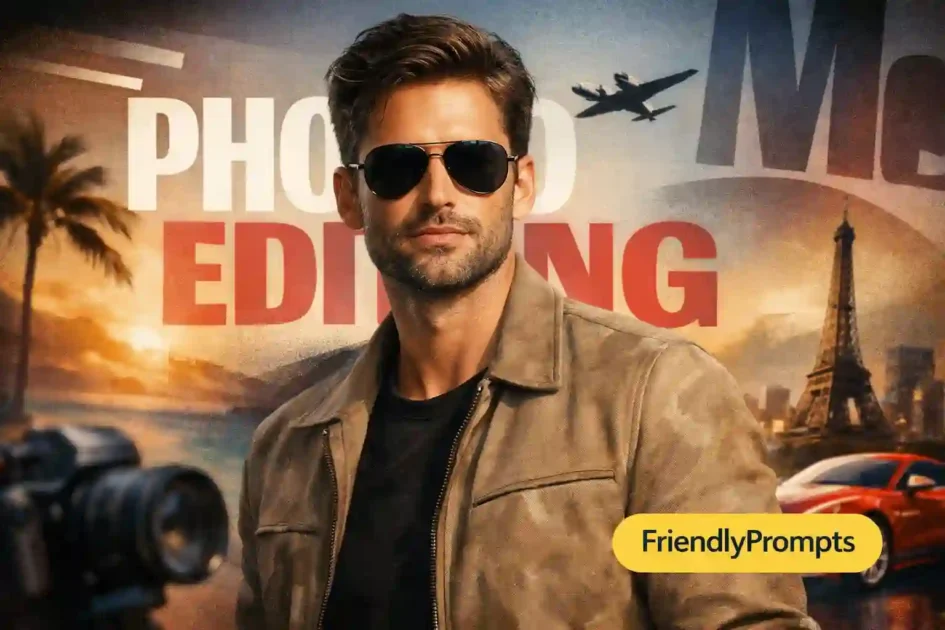
Getting a professional-looking portrait used to require a studio, expensive equipment, and a photographer who knew what they were doing. That has changed. With the right ChatGPT photo editing prompts for men, you can generate or enhance portrait images that look polished, natural, and ready for LinkedIn profiles, dating apps, or personal branding.
But here is the thing most people get wrong: they type something vague like “make my photo look better” and expect magic. The quality of your output depends entirely on how well you describe what you want. This guide gives you ten specific, tested prompt templates for creating professional-looking male portraits, plus detailed tips on what makes each one work and how to customize them for your own photos.
[toc]
What Makes a Male Portrait Look Professional
Before diving into the prompts, it helps to understand what separates a casual selfie from a portrait that looks professionally shot. Three elements consistently make the difference:
- Lighting quality u2014 Professional portraits use soft, directional light that sculpts facial features without harsh shadows. Natural window light or studio diffused light creates depth and dimension.
- Background simplicity u2014 Clean, undistracting backgrounds keep the focus on the subject. Neutral tones, subtle gradients, or softly blurred environments all work.
- Intentional composition u2014 Head angle, eye contact, and framing all contribute to a portrait that feels deliberate rather than accidental.
When writing your ChatGPT photo editing prompts for men, incorporating these elements gives you results that actually look like they came from a real shoot.
10 ChatGPT Photo Editing Prompts for Men That Create Professional Portraits
1. Corporate Headshot Style
Generate a professional corporate headshot of a man in his early 30s wearing a navy blue suit and light blue shirt. Clean-shaven with short brown hair. Expression is confident but approachable, slight natural smile. Shot against a gradient gray background with soft studio lighting from the right side. Sharp focus on the eyes, shallow depth of field. Professional headshot quality suitable for LinkedIn.This works for anyone building a professional online presence. Swap the clothing and hair details to match your actual appearance. The key element is specifying the lighting direction and background simplicity.
2. Natural Outdoor Portrait
Create a natural-looking outdoor portrait of a 28-year-old man with dark hair and medium skin tone. He is wearing a casual dark t-shirt. Setting is an urban park with green trees softly blurred in the background. Golden hour sunlight from the left creating warm highlights on one side of the face. Relaxed, genuine expression. Shot at 85mm focal length with bokeh background. Photojournalistic portrait style.Golden hour lighting (the hour before sunset) creates the most flattering natural portraits for men. The warm tones and directional light add dimension without looking staged.
3. Creative Professional for Personal Brand
Portrait of a 35-year-old man with glasses and short beard, wearing a simple black crew-neck sweater. He is looking slightly off-camera with a thoughtful expression. Background is a minimalist workspace with a blurred bookshelf. Soft window light from a large window on the left. Artistic portrait style with warm color grading. High resolution, natural skin texture, no retouching artifacts.This style works well for personal branding, blog author photos, or creative industry profiles. The environmental context tells a subtle story without distracting from the subject.
4. Fitness and Athletic Portrait
Professional fitness portrait of a muscular 30-year-old man with short fade haircut. Wearing a fitted gray athletic shirt. Standing in a modern gym with equipment softly blurred behind him. Hard directional lighting from above creating definition on the arms and shoulders. Confident posture, arms crossed. Shot at eye level. Dramatic but not over-processed. Natural skin color, high detail.For fitness-focused profiles, harder lighting that creates shadows helps define muscle tone. The key is keeping it dramatic without making it look like a magazine cover that lost touch with reality.
5. Warm Casual Portrait for Dating Profiles
Natural, candid-style portrait of a 27-year-old man with wavy brown hair smiling genuinely while looking slightly past the camera. Wearing an open-collar linen shirt. Sitting at a cafe table outdoors with warm afternoon light. Shallow depth of field blurring the cafe background. Warm, inviting color palette. No filters, no heavy editing, authentic and approachable feel.Dating profile photos work best when they look genuine rather than posed. Specifying “candid-style” and “genuine smile” in your prompt produces more relatable results than asking for perfect model positioning.
6. Moody Low-Key Portrait
Low-key moody portrait of a man in his 40s with salt-and-pepper hair and neatly trimmed beard. Dark background with a single focused light source from the side illuminating half the face. Wearing a dark sweater. Serious, contemplative expression. Rembrandt lighting pattern creating a triangle of light on the shadow side cheek. Black and white with subtle film grain. Cinematic portrait quality.Low-key portraits work for creative professionals, musicians, authors, and anyone wanting a more dramatic visual presence. The Rembrandt lighting reference is specific enough that AI consistently reproduces it correctly.
7. Clean White Background Headshot
Clean professional headshot of a 33-year-old South Asian man with black hair and clean-shaven face. Wearing a crisp white dress shirt with top button undone. Pure white studio background, even lighting from both sides eliminating harsh shadows. Neutral expression with slight smile. Shot from chest up, centered composition. High resolution, suitable for company website team page.The white background style is standard for corporate team pages and official directories. Specifying “even lighting from both sides” prevents the flat, passport-photo look that happens with completely frontal light.
8. Environmental Portrait at Work
Environmental portrait of a 38-year-old man in a workshop or studio setting. He is focused on something in front of him, captured in a natural working moment. Wearing a simple dark shirt with rolled sleeves. Background shows the workspace authentically blurred. Overhead industrial lighting mixed with window light. Documentary style, genuine and unposed. Medium shot showing from waist up.Environmental portraits show people in their element. They work especially well for entrepreneurs, craftspeople, and professionals whose workspace tells part of their story.
9. Classic Black and White Portrait
Timeless black and white studio portrait of a 45-year-old man with distinguished features and short gray hair. Wearing a dark suit jacket and open-collar white shirt. Classic three-quarter face angle, looking directly into camera. Single soft light source from 45 degrees creating gentle shadows. High contrast black and white conversion with rich tonal range. No heavy grain, clean and sharp. Classic portrait photography style.Black and white portraits strip away color distractions and emphasize structure, character, and expression. They work for professional profiles where you want to project experience and gravitas.
10. Relaxed Weekend Lifestyle Portrait
Relaxed lifestyle portrait of a 29-year-old man with stubble and medium-length hair. Wearing a casual henley shirt in muted earth tone. Leaning against a brick wall in an urban alley with soft overcast light. Hands in pockets, relaxed posture. Natural color palette, slightly desaturated for a modern editorial feel. No artificial filters, authentic texture. Full body three-quarter shot.This style bridges casual and professional nicely. It works for personal websites, portfolio pages, and social media profiles where you want personality without stiffness.
How to Customize These Prompts for Your Photos
These templates become much more useful when you adapt them to match your actual appearance and goals.
Match Your Physical Features
Replace age, skin tone, hair color, and facial hair descriptions with your own details. The more accurate you are about your actual features, the more useful the generated image becomes as a reference or starting point.
Choose the Right Style for the Platform
LinkedIn calls for clean, professional headshots. Instagram favors more creative, lifestyle-oriented portraits. Dating apps work best with natural, approachable images. Match your prompt choice to where the final image will actually live.
Be Specific About What You Do Not Want
If you dislike heavy retouching, say “no airbrushing, natural skin texture.” If you want to avoid looking too serious, specify “slight natural smile, approachable expression.” Negative instructions are just as useful as positive ones.
Common Mistakes When Prompting for Male Portraits
A few pitfalls consistently produce disappointing results:
- Asking for too many elements at once u2014 Keep the composition simple. One subject, one clear lighting setup, one background. Complex scenes confuse the output.
- Over-requesting perfection u2014 Phrases like “absolutely flawless skin” produce uncanny, plastic-looking results. “Natural skin texture with subtle imperfections” looks more real and more professional.
- Ignoring composition basics u2014 Specify the framing (headshot, medium shot, full body) and angle (eye level, slightly above, three-quarter). Without this, you get random cropping.
- Skipping the lighting description u2014 Lighting makes or breaks a portrait. Always mention at least the direction and quality (soft/hard) of the light.
Frequently Asked Questions
Can I use AI-generated portraits as my actual LinkedIn photo?
Technically yes, but it is worth noting that perceptive viewers may notice. AI-generated images work best as concepts or references for actual photos. For high-stakes profiles, consider using the AI image as a brief for a real photographer to replicate the lighting and style you liked.
Which AI tool produces the most realistic male portraits?
As of 2026, Midjourney v6 and ChatGPT with DALL-E 3 produce the most consistently photorealistic portrait results. Midjourney has a slight edge in artistic quality and skin texture realism, while DALL-E handles specific physical descriptions more precisely.
How do I make the AI match my actual skin tone accurately?
Use specific descriptors rather than vague ones. “Light olive skin tone” is better than just “medium skin.” If available, upload a reference photo and ask the AI to match the complexion. Some tools handle this better than others.
Do these prompts work for enhancing existing photos or only generating new ones?
The prompts above are primarily for generation. For editing existing photos, you need different approaches: describing specific changes (“increase the contrast slightly, warm up the color temperature, blur the background more”) rather than describing a scene from scratch.
What resolution should I request for print-quality portraits?
Specify “high resolution” or “8K quality” in your prompt. Most AI tools generate at 1024×1024 or higher by default, which is sufficient for web use. For print, you may need to upscale using a dedicated tool like Topaz Gigapixel or similar software after generation.
For professional portrait photography principles that improve your prompts, Digital Photography School portrait guides cover lighting and composition fundamentals.
Next Steps for Better Portrait Results
Start with the prompt template that matches your goal, customize the physical details, generate three or four variations, and pick the best starting point. Remember that iteration almost always improves results. If the first output is close but not quite right, refine specific elements rather than starting over from scratch.
For techniques on improving and enhancing existing photos rather than generating new ones, our guide on ChatGPT photo enhance prompts covers practical approaches for sharpening, color correction, and background editing. And for broader photo editing capabilities, the ChatGPT photo editing prompts collection covers a wider range of techniques.