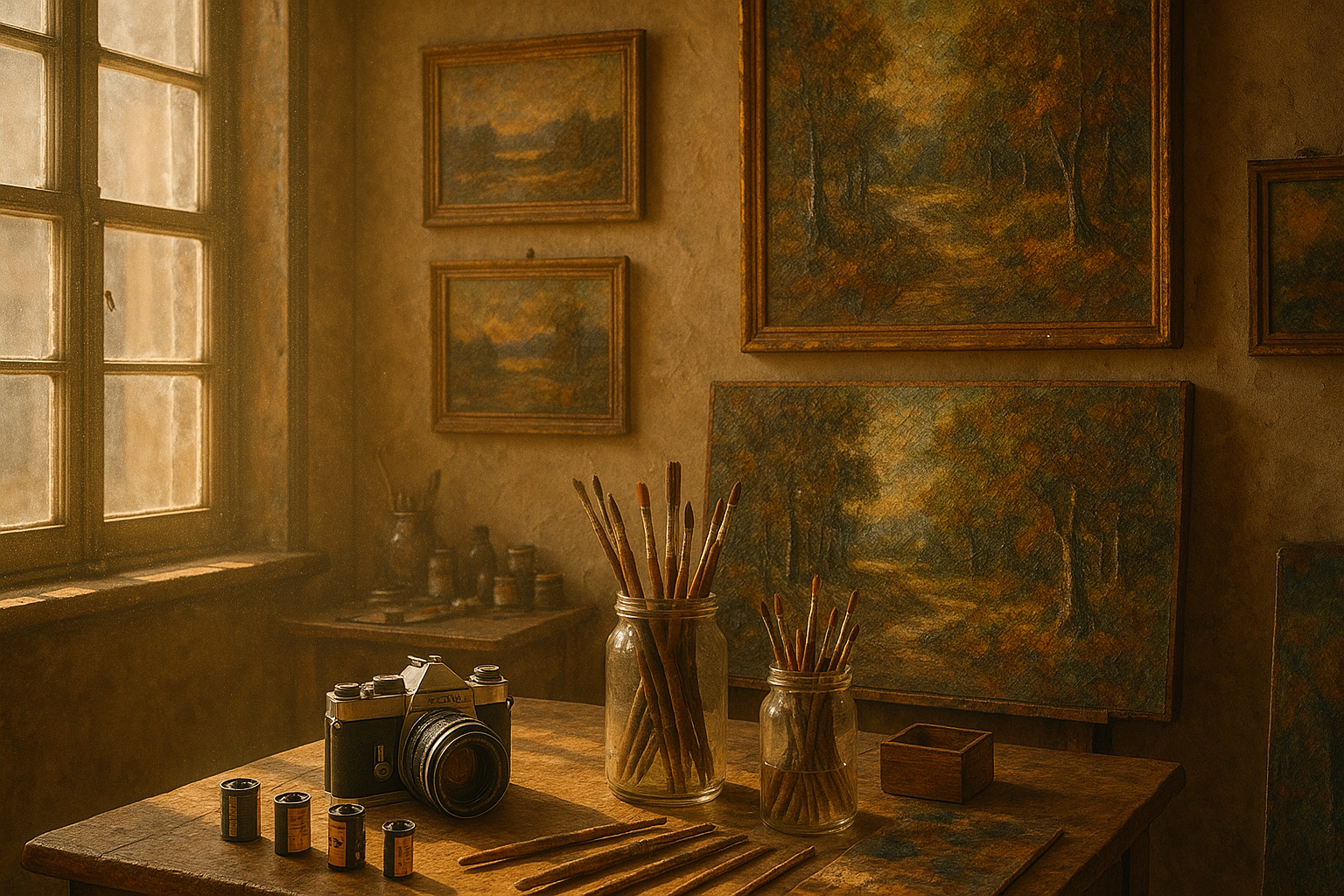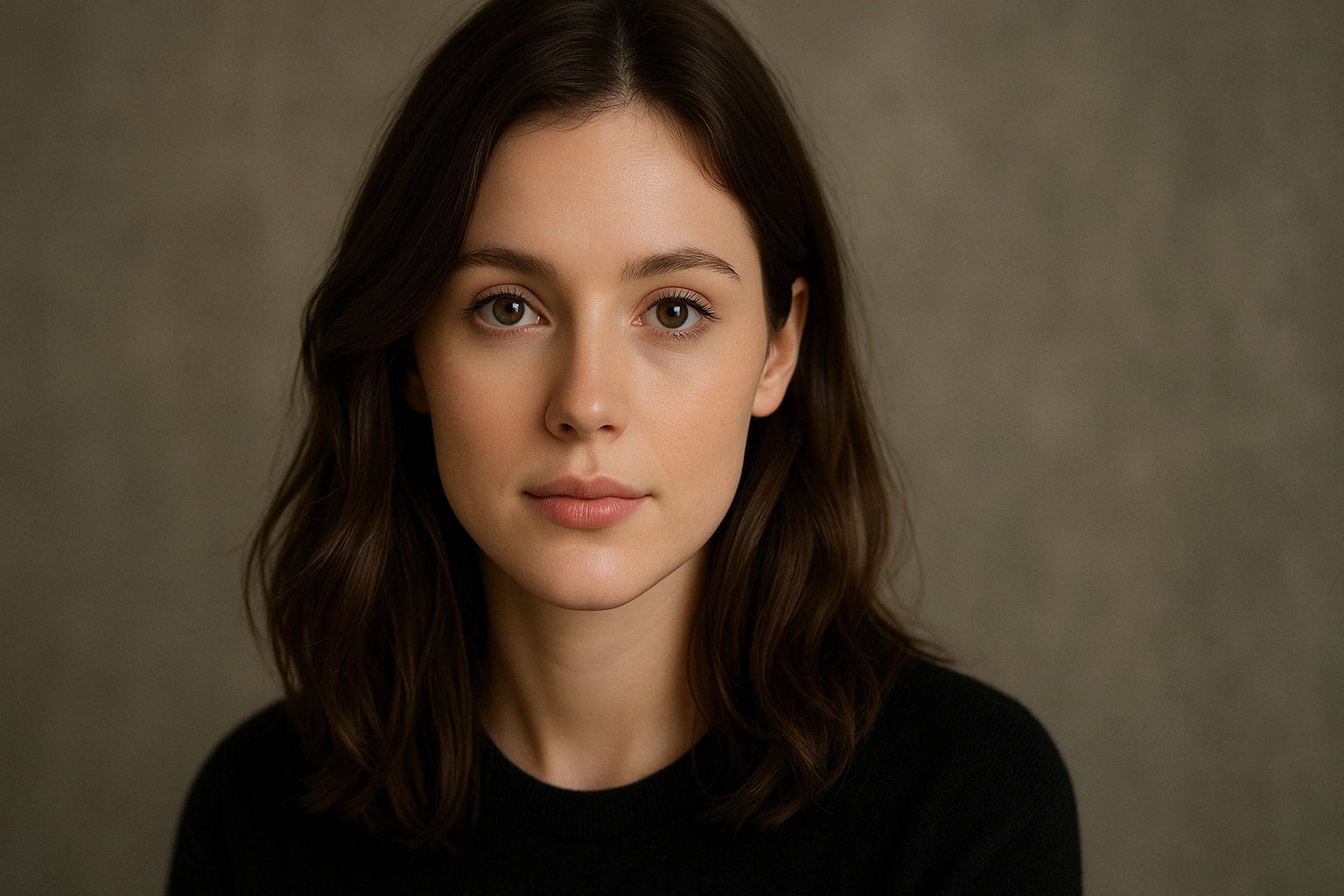
If you want Gemini to join two photos in a way that looks natural, the prompt matters a lot. A short request like “combine these images” often produces weak results such as mismatched lighting, soft faces, odd blending, or a final image that looks edited instead of believable.
[toc]
In practice, better results usually come from giving Gemini a clear editing brief. That means telling it which image matters most, what should stay unchanged, how realistic the final photo should look, and what kind of merge you actually want. Google’s official Gemini help also confirms that Gemini can work from multiple uploaded images and create a new image based on them, which makes structured prompt writing even more important.
This guide explains how a Gemini join two photos prompt works, why many beginners get poor results, and how to write prompts that are more likely to preserve faces, match lighting, and create a clean final image. You will also get seven copy-paste prompt examples you can use right away.
What is a Gemini join two photos prompt?
A Gemini join two photos prompt is a written instruction that tells Gemini how to combine two separate images into one final image. You are not manually masking layers or editing edges yourself. Instead, you are guiding the AI to handle the merge based on your instructions.
The strongest prompts do more than say “join these photos.” They define the main subject, explain what should be preserved, clarify whether the result should be blended or side by side, and set a clear realism standard. That added specificity usually improves the final output a lot.
Why most photo-merge prompts fail
Most weak results do not happen because the tool is useless. They happen because the request is too vague. If you leave important details open, Gemini has to guess. That is when faces change, proportions shift, clothing details get lost, or the scene starts looking artificial.
From a practical prompt-writing perspective, the same four issues show up again and again:
- No clear primary image
- No instruction to preserve identity or proportions
- No mention of lighting, perspective, or background consistency
- No quality standard for the final image
Once those points are handled clearly, the output usually becomes far more usable.
What Gemini needs to merge two photos more naturally
Gemini performs better when you describe the edit the way you would brief a careful photo editor. The more precise the job, the more stable the result tends to be.
| Instruction element | Why it matters |
|---|---|
| Primary reference image | Helps Gemini understand which subject or photo details matter most. |
| Identity preservation | Reduces unwanted changes to faces, expressions, body shape, and overall appearance. |
| Lighting and color guidance | Makes both photos feel like they belong together in one scene. |
| Background instruction | Clarifies whether Gemini should blend the setting or keep it simple. |
| Realism requirement | Reduces the chance of over-processed, stylized, or obviously fake results. |
| Output quality standard | Improves the chance of getting a clean, shareable result. |
Best Gemini join two photos prompt
This is the strongest all-purpose prompt for beginners. It works well for portraits, simple couple photos, casual lifestyle images, and other realistic merges where you want the final result to feel natural.
Act as a professional AI photo editor. Two images are uploaded. Use Photo A as the primary reference and Photo B as the secondary reference. Combine both photos into one realistic final image. Preserve facial identity, body proportions, skin texture, clothing details, and natural expression as accurately as possible. Do not change the faces, body shape, or core appearance of any subject.

Match lighting direction, color temperature, exposure, sharpness, and perspective so both subjects appear naturally photographed together in the same moment. Blend edges cleanly with no visible cut lines, stretching, ghosting, distortion, or obvious artifacts. Keep the final image photorealistic, clean, balanced, and high quality. Avoid cartoon effects, dramatic stylization, unnecessary beauty filtering, or random background changes unless needed for realism.
How to use this prompt in Gemini
Google’s help documentation says Gemini can accept uploaded images and can also use multiple uploaded images to create a new image. The easiest workflow is to upload both images together, paste a structured prompt, and then refine only one thing at a time if the first output is not ideal. :contentReference[oaicite:1]{index=1}
- Open Gemini and start a new request.
- Upload both photos in the same message.
- Decide which image should be treated as the main reference.
- Paste the prompt and submit it.
- Review the result for face accuracy, edge blending, lighting, and realism.
- If needed, regenerate with one targeted follow-up such as “keep the face more accurate” or “make the lighting match more naturally.”
Do not stack too many corrections into one follow-up. One clear adjustment usually works better than rewriting the entire prompt every time.
Side-by-side merge vs blended merge
Not every “join two photos” request means placing both images into one shared realistic scene. Sometimes a simple side-by-side layout is the better option, especially when the goal is comparison, clarity, or presentation.
| Merge type | Best use case |
|---|---|
| Side-by-side merge | Before-and-after comparisons, portfolio visuals, profile collages, visual comparisons |
| Blended merge | Couple photos, shared scenes, group compositions, realistic lifestyle images |
If you do not actually need one natural combined scene, a side-by-side format is often cleaner and more reliable.
Prompt for side-by-side photo joining
Use this prompt when you want both images placed neatly in a single frame without pretending they were taken together.
Create one high-quality image that places Photo A and Photo B side by side in a clean, balanced layout. Do not blend the backgrounds or combine the subjects into one shared scene. Preserve the original colors, proportions, sharpness, and framing of both images as much as possible. Keep both photos visually aligned with clean spacing and an organized final composition. The output should look simple, polished, and presentation-ready.Prompt for couple photo merging
Couple photo merges need more care because people notice facial details, posture, and emotional realism quickly. A strong prompt should protect identity while also making the final scene feel natural.
Use both uploaded photos as references and combine the two people into one realistic couple photo. Preserve each person’s facial identity, skin tone, expression, hair details, and body proportions as accurately as possible. Match the lighting, perspective, background depth, and color balance so both subjects appear naturally photographed together. Blend transitions smoothly with no visible cut lines, over-smoothing, or artificial filters. Keep the final image realistic, clean, and emotionally natural.Prompt for subject and background photo merging
Sometimes the real goal is not joining two people. It is taking the person or object from one image and placing it naturally into the setting from another image.
Use Photo A as the subject reference and Photo B as the background reference. Place the subject from Photo A naturally into the environment from Photo B. Preserve facial identity, body proportions, clothing details, skin texture, and overall appearance from Photo A. Match lighting, shadows, color tone, and depth so the subject looks naturally present in the new setting. Avoid obvious cutout edges, unrealistic shadows, face changes, or artificial smoothing. Keep the final result photorealistic and clean.Prompt for family or group-style image merging
When more than one person is involved, realism becomes harder. This prompt helps Gemini create a cleaner shared composition.
Combine the uploaded photos into one realistic group-style image. Preserve the identity, face shape, skin tone, body proportions, and clothing details of each person as accurately as possible. Arrange the subjects in a natural composition with realistic spacing, posture, and perspective. Match lighting, shadows, and color tone so all subjects appear photographed together in the same scene. Avoid face distortion, duplicate body parts, stretching, or awkward overlap. Final image should be clean, balanced, and high quality.Prompt for product or object image joining
Gemini can also help join product or object photos. In these cases, scale, angle, and lighting consistency matter more than facial accuracy.
Combine Photo A and Photo B into one realistic product-style image. Preserve the shape, texture, scale, and color accuracy of the main object from Photo A. Use the environment or secondary details from Photo B only where they improve the composition naturally. Match lighting, reflections, and perspective carefully so the final image looks believable and visually clean. Avoid distortion, floating objects, unrealistic shadows, or overly artistic effects. Keep the final image sharp, realistic, and presentation-ready.Prompt for ultra-realistic social media image merge
Use this version when the final image is meant for sharing online and you want it to look polished without looking artificial.
Merge the uploaded photos into one ultra-realistic image suitable for social media sharing. Preserve the facial identity, natural skin texture, body proportions, clothing details, and real appearance of the subject accurately. Match the scene lighting, shadows, color balance, and perspective so the final image feels naturally captured, not heavily edited. Remove visible artifacts, distortion, strange blending, or unrealistic smoothing. The output should be high quality, realistic, polished, and visually natural.Common mistakes to avoid
Weak outputs usually come from the same small set of prompt mistakes. Avoid these first before assuming the tool is the problem.
- Using a very short prompt with no constraints
- Not telling Gemini which photo matters most
- Forgetting to preserve identity and body proportions
- Ignoring lighting, shadows, and color tone
- Mixing realism requests with heavy style effects
- Trying to do too many edits in one prompt
- Regenerating repeatedly without making one specific correction
Does Gemini reduce photo quality?
Not always, but poor prompts and weak source images can lead to softer details, inconsistent sharpness, and visible artifacts. If quality matters, use clear source photos and ask for a realistic, high-quality final image.
It also helps to avoid unnecessary style language when your goal is realism. The more focused the prompt is on merging, the cleaner the output usually becomes.
When should you avoid joining photos in Gemini?
Gemini is useful for simple and medium-complexity image merges, but it is not the best choice for every situation. If your image requires exact shadow matching, advanced reflections, perfect hand placement, or commercial-level compositing accuracy, a manual editor may still be the safer option.
You should also be careful when the two source images are extremely different in angle, resolution, facial clarity, or lighting conditions. Strong prompting helps, but it cannot fully fix every mismatch.
Best practices for better and more consistent results
- Use one clear primary image whenever possible
- Ask Gemini to preserve identity and proportions
- Mention lighting, shadows, and color consistency directly
- Keep the request focused on merging, not styling
- Use clean, high-quality source images
- Ask for a realistic and high-quality final result
- Refine with one targeted correction at a time
Frequently asked questions
Can Gemini join two photos?
Yes. Google’s official Gemini help says users can upload multiple images and ask Gemini to create a new image based on them. Results depend heavily on prompt clarity and source image quality. :contentReference[oaicite:2]{index=2}
Which photo should be the primary reference?
The primary reference should usually be the photo containing the subject you care most about preserving accurately.
Can Gemini keep faces unchanged?
It can improve face preservation when you explicitly say facial identity, expression, and proportions should remain accurate, though exact results still depend on the source images.
Is side-by-side joining better than blended merging?
For visual comparison or layout clarity, yes. Side-by-side joining is often simpler and more reliable when you do not need one shared scene.
Can beginners use these prompts?
Yes. These prompts are written for simple copy-paste use and only need light editing for your specific photos.
Can I merge more than two photos?
Sometimes, but realism usually drops as the task becomes more complex. Two-photo merges are easier to control.
Why does the final image sometimes look fake?
The most common reasons are mismatched lighting, weak source photos, missing identity instructions, or trying to combine too many changes in one request.
Can I use these prompts for portraits, couples, and products?
Yes. That is why this guide includes separate prompts for side-by-side layouts, couples, subject-background replacement, group scenes, and product-style images.
Are the results good enough for social media?
Often yes, especially when the source images are clean and the prompt clearly asks for a realistic, polished final result.
Should I add cinematic or artistic style words?
Only if you want a stylized result. For clean and believable merges, realism-focused wording usually performs better.
Google regularly updates Gemini capabilities. Check the official Gemini page for the latest image generation features.
n
Related Guides
n
- n
- ChatGPT photo enhance prompts for better image quality
- Gemini trending photo prompts for realistic AI images
n
n
n
Final thoughts
A strong Gemini join two photos prompt is not about using complicated language. It is about giving Gemini the right structure so it knows what to preserve, what to merge, and what the final image should feel like. That is what makes the difference between a believable result and an obviously edited one.
Start with the main all-purpose prompt, then switch to a more specific version if your use case is side by side, a couple image, a subject-background merge, a group photo, or a product composition. Clearer instructions usually lead to cleaner results.